The Best Lightweight Laptops for Airports and Client Sites
Which lightweight laptops would you recommend for business travelers? For a carry-on traveller with a USB-C display at the destination, start with Lenovo’s Yoga Slim 7i Ultra. For a presenter who cannot find out which cable is waiting, the Zenbook A14 or ThinkPad X1 Carbon is easier to pack. Mac travellers working mainly in documents and video calls should start with the 13-inch M5 Air.
An airport connection and a client visit put different demands on the same bag. The first rewards a small footprint and a charger that is quick to reach. The second rewards the ability to finish a slide show on unfamiliar equipment. Choosing for both starts with an inventory of the last trip, including anything borrowed from a colleague.
Our shortlist
 Best for a known USB-C route
 Best for an HDMI presentation kit
 Best for a Windows field technician
 Best for Mac-based frequent flyers
Specifications at a glance
| Model | Laptop weight | Display | Connections that matter |
|---|---|---|---|
| Lenovo Yoga Slim 7i Ultra Aura Edition | From 975 g | 14-inch 2.8K OLED | 3 × Thunderbolt 4, USB-C charging |
| ASUS Zenbook A14 (UX3407NA) | 990 g | 14-inch 1920 × 1200 OLED | 2 × USB4, USB-A, HDMI |
| ThinkPad X1 Carbon Gen 13 Aura Edition | From 986 g (Lunar Lake) | 14-inch, panel varies by SKU | 2 × Thunderbolt 4, 2 × USB-A, HDMI |
| Apple MacBook Air 13-inch (M5) | 1.23 kg | 13.6-inch, 2560 × 1664 | 2 × Thunderbolt 4, MagSafe 3 |
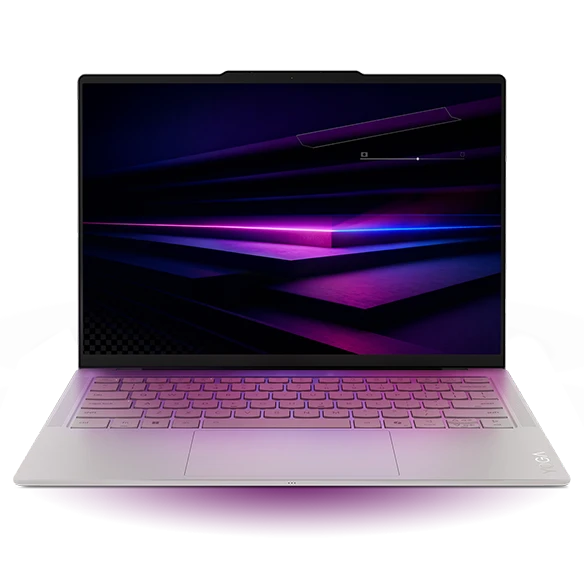
A 975 g starting weight gives the Yoga a useful head start for someone who carries a computer all day. The 14-inch panel also provides room to keep notes alongside a presentation. At the hotel, the three Thunderbolt 4 ports make it easy to charge the laptop, attach a display and leave one connection available.
The front desk may have an HDMI cable even when no USB-C display is available. Put the chosen video adapter in the same pouch as the charger and run a slideshow with it before leaving. If the entire client team uses the same type of room, this becomes a small, repeatable kit.
- Why choose it
- The light chassis and three full-featured USB-C connectors suit a predictable route.
- What to weigh
- Built-in HDMI and USB-A are absent. Budget for your actual travel pouch.
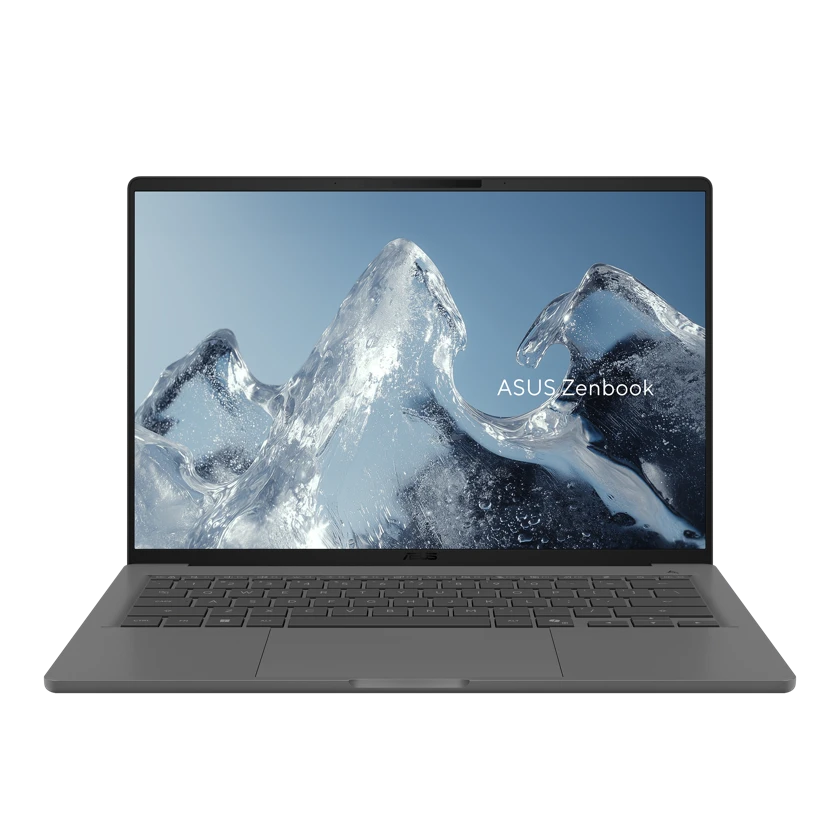
The 990 g Zenbook A14 UX3407NA includes HDMI, USB-A and two USB4 ports. A traveller can plug in the display cable, the receiver for a presentation remote and the charger without using a hub. That is a useful combination for unfamiliar offices where meeting time is tightly booked.
Its Snapdragon X2 Elite runs Windows on Arm. PowerPoint in a standard office setup and a proprietary driver for a demonstration appliance are two separate checks. Ask the appliance vendor for an Arm64 driver before choosing this machine to demonstrate the device at a customer site.
- Why choose it
- Native display and receiver ports keep a basic presentation kit compact.
- What to weigh
- A proprietary peripheral can rule it out even when ordinary office apps work.
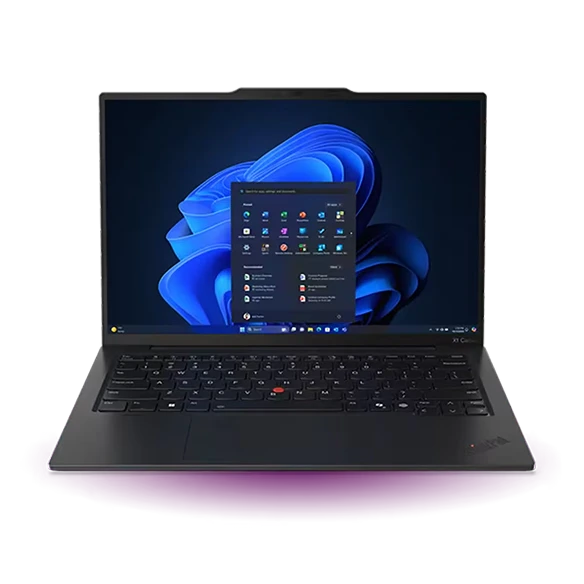
ThinkPad X1 Carbon Gen 13 Aura Edition
Manufacturer specifications ↗The Intel-based ThinkPad offers the same useful distinction between a display port and full-size USB connections, with two USB-A ports available. A field technician can attach a reader and a security key together. The family includes several screen types, so specify the actual panel if work often takes place in bright reception areas.
A phone hotspot may be enough for a short check-in, but service work can take place in a room with poor mobile reception. Keep the manufacturer’s approved offline documentation, driver installer and any separate licence information on the machine before travelling. Confirm the security policy permits each item.
- Why choose it
- Two USB-A ports make space for wired tools and an authentication key.
- What to weigh
- A built-in Ethernet connection is not part of the standard port list. Pack a tested adapter when the job needs one.
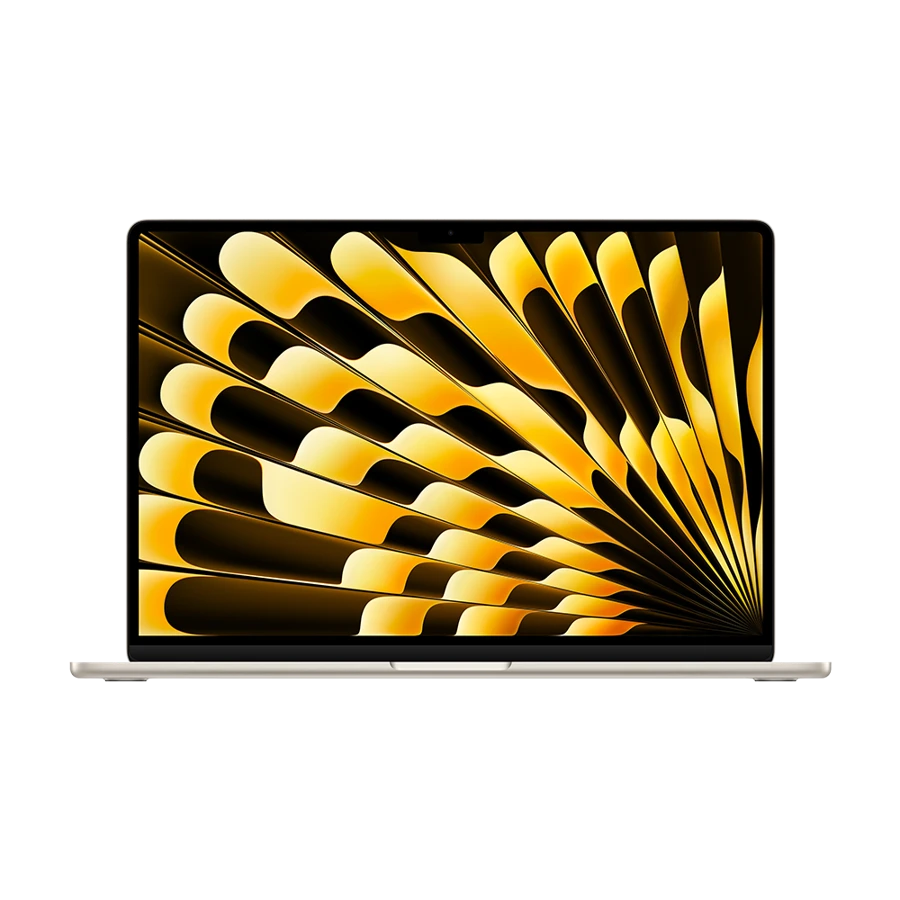
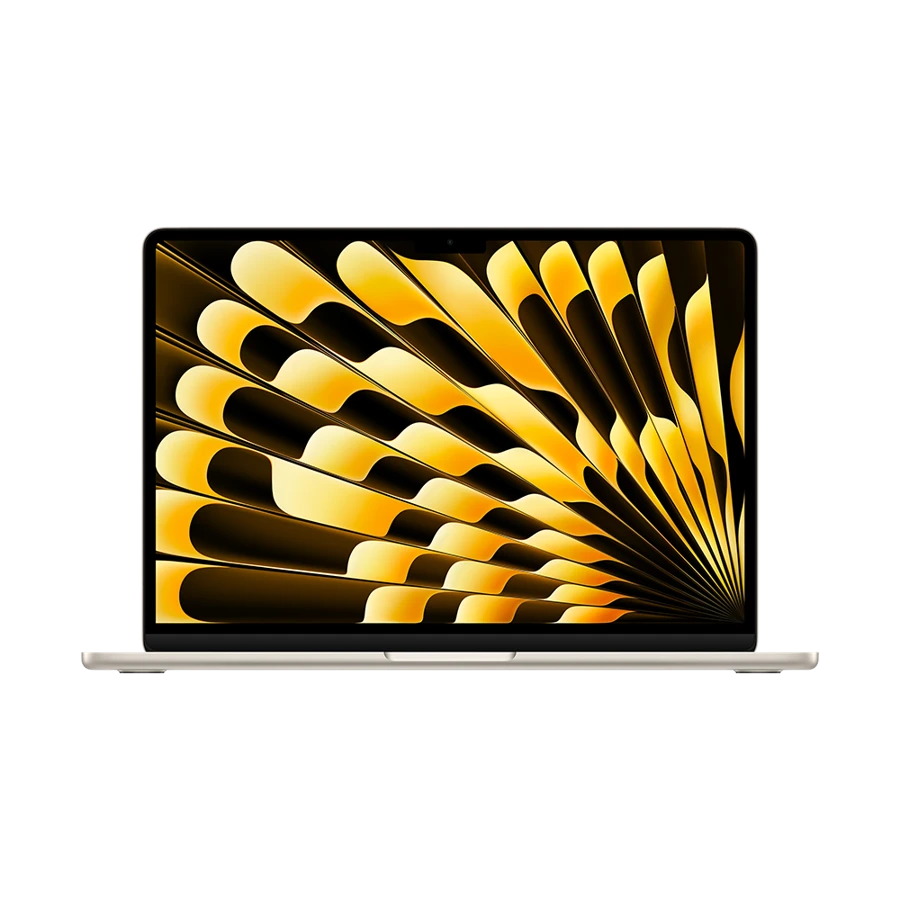
A 13.6-inch MacBook Air gives a traveller a compact workspace for editing, notes and invoices. MagSafe is handy when a monitor adapter and a portable backup drive occupy both Thunderbolt ports. For a customer using HDMI only, the adapter must travel with the laptop.
A buyer comparing the Air with the Yoga should price the whole trip rather than just the notebook. Someone with an existing USB-C display adapter and Mac charger already owns a working kit. A switch to another platform adds software setup and may require approval for a company-managed customer environment.
- Why choose it
- Dedicated charging can leave both Thunderbolt ports available on the road.
- What to weigh
- No full-size USB-A or HDMI connector for a borrowed clicker and projector.
Weigh the bag after adding the meeting kit
For a worked example, suppose a traveller’s charger and cable weigh 220 g and the HDMI adapter weighs another 50 g. Add those hypothetical accessory weights to the starting 975 g Yoga and the bundle reaches 1,245 g. The 990 g ASUS with the same assumed charger and no external HDMI adapter reaches 1,210 g. The nominally lighter laptop produces a 35 g heavier kit in this example.
The numbers are an illustration, not measurements of the included chargers. Put your actual accessories on a kitchen scale. Include the access badge reader, hotspot, external drive and any regional plug adapter. If your destination uses a USB-C monitor that supplies power, rerun the comparison with only what truly leaves the bag.
| Illustrative packing list | Yoga Slim 7i Ultra | Zenbook A14 UX3407NA |
|---|---|---|
| Laptop | 975 g starting figure | 990 g |
| Assumed charger and cable | 220 g | 220 g |
| Assumed HDMI adapter | 50 g | No separate adapter |
| Example total | 1,245 g | 1,210 g |
How we chose
We compared the manufacturers’ chassis weights, connector layouts and platform requirements. Portable accessories in the packing example use stated hypothetical weights so readers can substitute their own. We did not combine vendor battery-hour claims drawn from different workloads.
Editorial standards ↗Frequently asked questions
Which machine is easiest to take into an unfamiliar meeting room?
The Zenbook A14 has native HDMI and USB-A with a 990 g chassis. Choose the X1 Carbon if the visit also involves Intel Windows software, a proprietary driver or a second full-size USB device.
Is a quoted battery life enough to plan a connection at an airport?
Use it as context alongside the manufacturer’s test conditions. On your current machine, check consumption during a normal video meeting and a short slide edit. Plan a charging break around your own workload and outlet access.
Sources & further reading
- Lenovo Yoga Slim 7i Ultra Aura Edition — official specifications ↗
- ASUS Zenbook A14 (UX3407NA) — official specifications ↗
- ThinkPad X1 Carbon Gen 13 Aura Edition — official specifications ↗
- Apple MacBook Air 13-inch (M5) — official specifications ↗
- Microsoft guidance on Windows on Arm apps, peripherals and drivers ↗
- Lenovo support introduction to the Yoga Slim 7i Ultra Aura Edition ↗