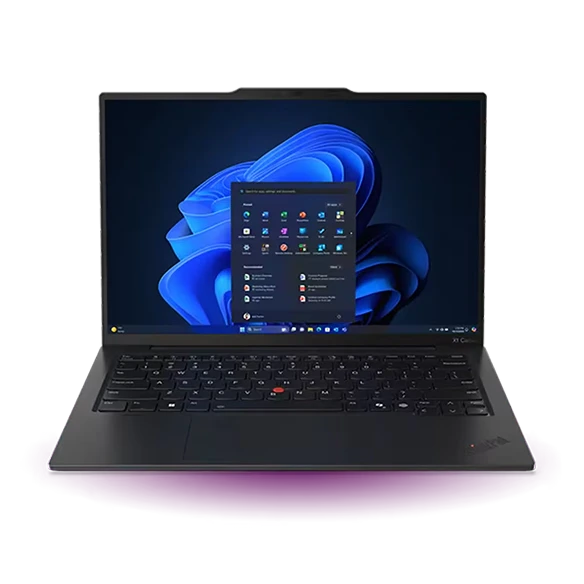
Lightweight Laptops for Graduate Design and Media Students
Which lightweight laptops are good for graduate students? For a design student arranging spreads or editing an interview in a small studio, the 15-inch M5 MacBook Air is our first look. For a colour-conscious Windows workflow with a heavy daily commute, consider the Yoga Slim 7i Ultra. Choose the 13-inch Air for a smaller bag or the Framework Laptop 13 if media-card flexibility matters more than a wide internal display.
Start with the deliverable for the course. A 24-page print portfolio, a multitrack interview and a four-camera documentary are different projects. One needs enough screen space to judge a spread, another needs reliable monitoring and the third can overwhelm a travel laptop with full-resolution media. A programme’s export and colour requirements should determine the shortlist.
Our shortlist
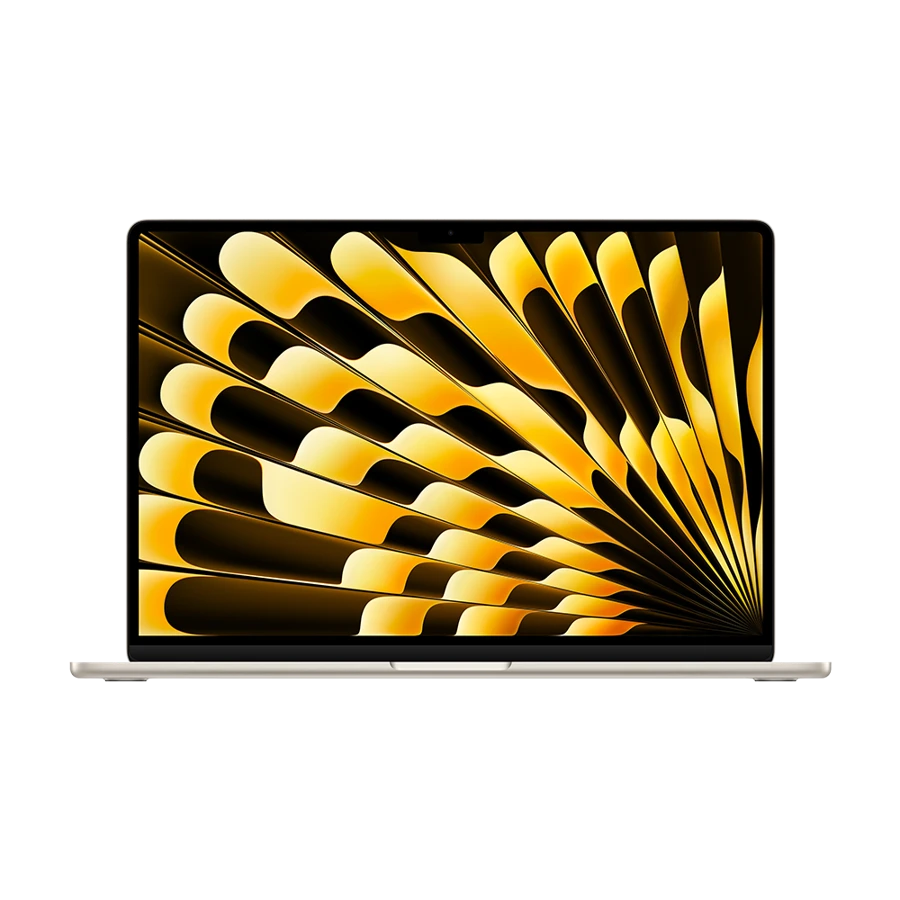 Best for page layouts and critiques
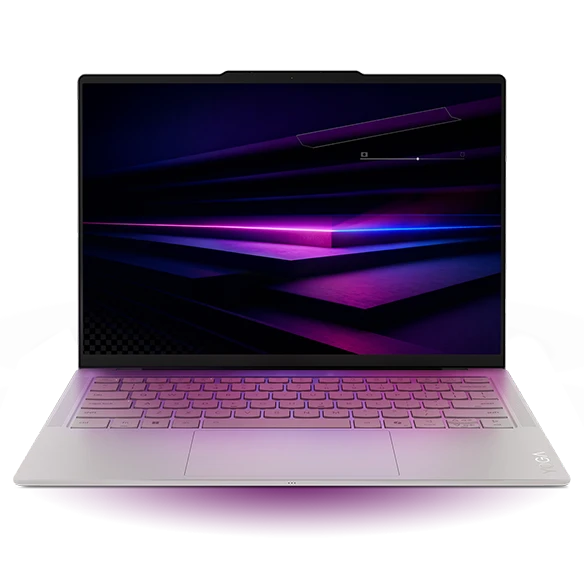 Best light Windows OLED choice
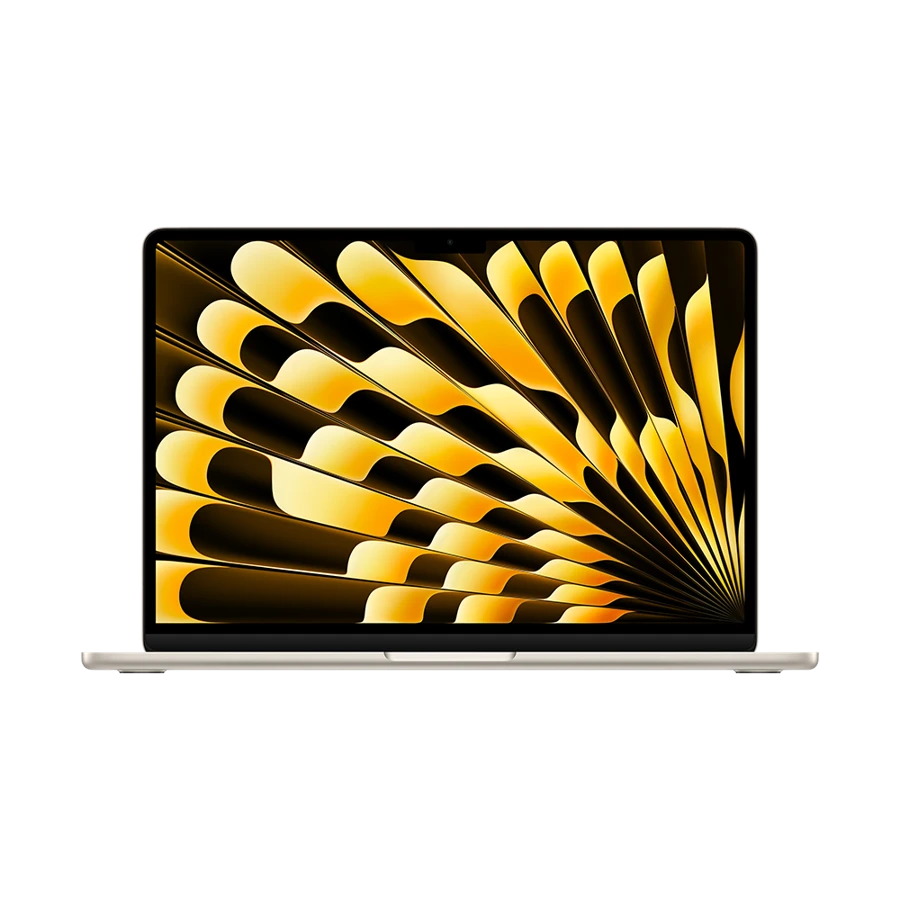 Best compact Mac for location edits
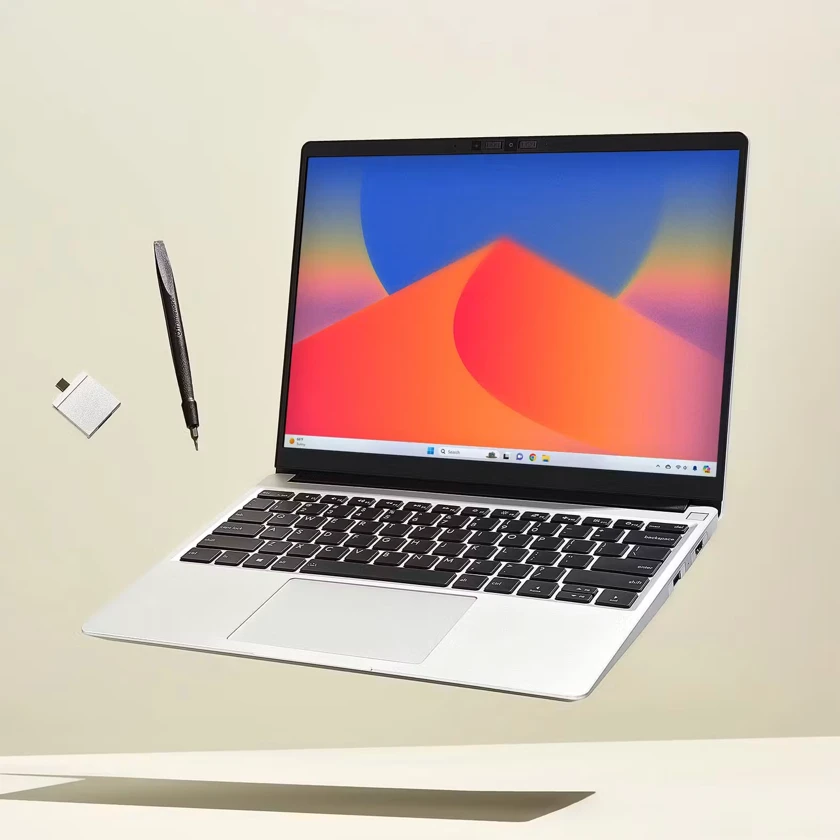 Best for changing media connections
Specifications at a glance
| Model | Laptop weight | Display | Connections that matter |
|---|---|---|---|
| Apple MacBook Air 15-inch (M5) | 1.51 kg | 15.3-inch, 2880 × 1864 | 2 × Thunderbolt 4, MagSafe 3 |
| Lenovo Yoga Slim 7i Ultra Aura Edition | From 975 g | 14-inch 2.8K OLED | 3 × Thunderbolt 4, USB-C charging |
| Apple MacBook Air 13-inch (M5) | 1.23 kg | 13.6-inch, 2560 × 1664 | 2 × Thunderbolt 4, MagSafe 3 |
| Framework Laptop 13 (Ryzen AI 300) | 1.30 kg | 13.5-inch, 3:2, matte options | 4 configurable Expansion Card bays |
The M5 Air’s 15.3-inch screen is the reason to carry its 1.51 kg chassis. A student can keep a facing-page layout and part of the editing interface visible while discussing a draft with a tutor. Apple specifies P3 colour and a 2880 × 1864 native resolution. Output still needs checking against the course’s print or delivery requirements.
It is a particularly practical choice when the studio or seminar room has no spare monitor. At home a USB-C display can add a larger review surface. Take the physical laptop dimensions and check the bag sleeve before ordering. The Air’s low profile does not give a 15-inch machine the footprint of a 13-inch notebook.
- Why choose it
- More internal display area for editing a spread or reviewing a timeline with another person.
- What to weigh
- The 1.51 kg chassis adds 280 g over the 13-inch M5 Air before accessories.
The Yoga Slim 7i Ultra’s 14-inch 2.8K OLED panel gives Windows users a useful balance of screen area and bag weight. The listed 120 Hz panel is attractive for scrolling through a large illustrated document. Buyers should verify panel details on the exact part number, particularly for a programme that specifies a colour space.
To judge the purchase, use the same project you will submit. Export a proof, inspect gradients on the department’s review monitor and print a small test if print is the assessed output. A panel specification describes the display hardware. The monitor profile and final viewing conditions also influence a tutor’s impression of the work.
- Why choose it
- The documented OLED configuration combines a high-resolution screen with a sub-kilogram starting weight.
- What to weigh
- A glossy panel can complicate visual judgements beside a bright window.
The 13.6-inch M5 Air uses the same chip family as its larger sibling and is easier to fit beside a camera in a day bag. Apple lists hardware support for ProRes encode and decode. That makes it worth investigating for a student planning a compatible proxy workflow; the course’s codec, effects and project size remain important.
The small case has two Thunderbolt ports, MagSafe and a headphone jack. For a location interview, check how the audio interface, card reader and portable SSD will connect simultaneously. If one must be unplugged to copy a recording, the cost of a powered dock or a different reader belongs in the purchase.
- Why choose it
- A 1.23 kg chassis leaves more space and weight for a camera or microphone.
- What to weigh
- The smaller display may push long editing sessions onto an external screen.
The Framework’s expansion-card system lets a student choose a full-size SD card reader or another port for the day’s work. A documentarian importing cards and an architecture student connecting a studio display can configure different port sets. Its 13.5-inch 3:2 screen also gives vertical drawings and scanned pages room to breathe.
Purchase the exact reading card and check the camera’s media type and required transfer speed. Decide where an independent second copy will reside before erasing cards. A modular configuration can make the workflow tidier, but by itself it provides no backup and no guarantee of accelerated exports in a particular application.
- Why choose it
- Four configurable bays support a tailored card-ingest and presentation setup.
- What to weigh
- Verify the exact panel and software performance against your course’s display and rendering requirements.
Build the edit day on paper
Consider a 90-minute interview recorded at a constant 100 megabits per second. Dividing by eight and multiplying by 5,400 seconds gives roughly 67.5 GB of video before audio sidecars or overhead. One duplicate plus the original needs about 135 GB before proxies, previews, exports and installed software. This is an example bitrate, not a claim about a particular camera.
Now map the three stages: import at the studio, rough-cut on the train and review on a larger screen. Pick the machine that satisfies the stage you cannot move elsewhere. If final colour approval takes place in a calibrated lab, invest first in sufficient working storage and a dependable second copy. If drafts are assessed on the laptop, the panel and viewing environment move up the list.
| Work stage | Bring to a trial | What would change the choice |
|---|---|---|
| Ingest | One real camera card and the reader | An occupied port blocks the backup drive |
| Edit | A short section with your regular effects | Full-resolution playback needs proxies |
| Present | A sample export and venue display cable | The panel size or adapter is unsuitable for group review |
How we chose
We compared the area and resolution available to a student, how camera media enters the computer and where the final assessment happens. Adobe’s published recommendations give context for heavy video work. No benchmark or measured colour accuracy is attributed to these laptops here.
Editorial standards ↗Frequently asked questions
Is 16 GB enough for a graduate media course?
It can support lighter work, but check the application and sequence. Adobe’s Windows recommendations distinguish 16 GB for HD work from 32 GB or more for 4K and above. Effects, plug-ins and simultaneous applications can alter the result.
Do I need OLED to study graphic design?
Choose for the programme’s output. A known colour profile, controlled viewing conditions and a proof on the intended medium are often more useful than the panel technology in isolation. A larger display may matter more for layout.
Sources & further reading
- Apple MacBook Air 15-inch (M5) — official specifications ↗
- Lenovo Yoga Slim 7i Ultra Aura Edition — official specifications ↗
- Apple MacBook Air 13-inch (M5) — official specifications ↗
- Framework Laptop 13 (Ryzen AI 300) — official specifications ↗
- Adobe Premiere hardware and operating-system requirements ↗
- Lenovo support introduction to the Yoga Slim 7i Ultra Aura Edition ↗