Lightweight Laptops for Graduate Research and Lab Work
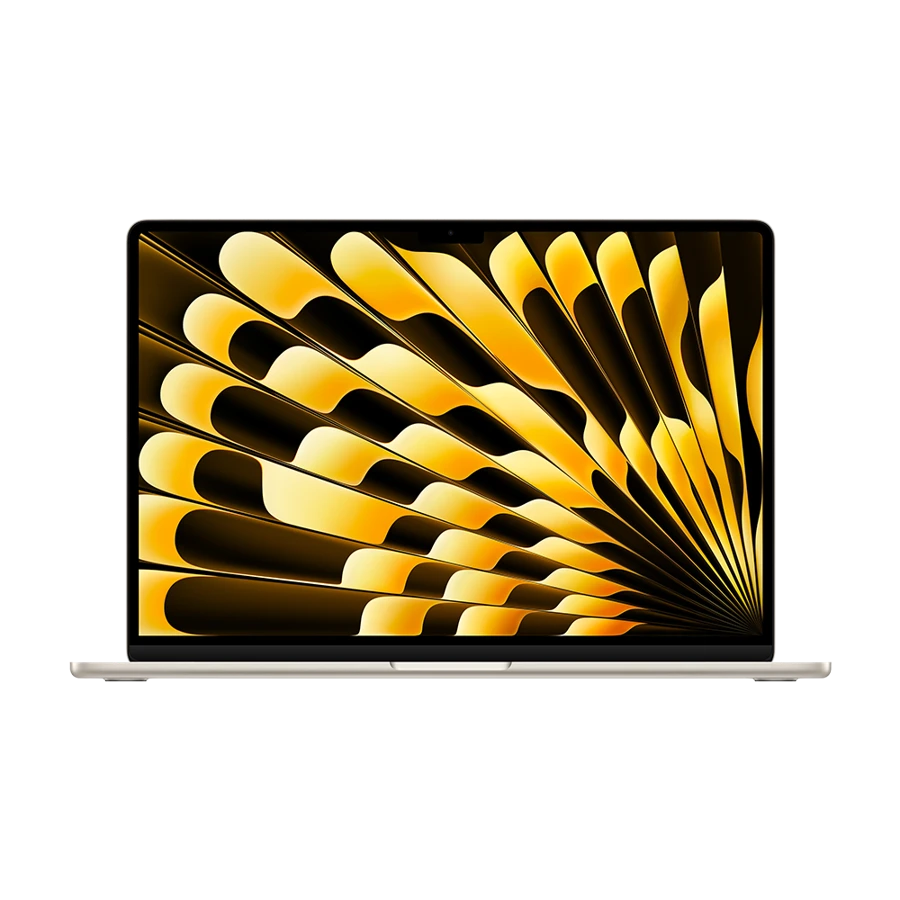
Which lightweight laptops are good for graduate students? For research that moves between written work and a lab, the Framework Laptop 13 is a strong choice when memory or ports could change during the degree. The Yoga Slim 7i Ultra is our lighter Intel Windows alternative. A 13-inch M5 MacBook Air is a good choice for a Mac-compatible department whose largest jobs run on a remote machine.
Before deciding, ask a doctoral student a year ahead of you for three things: the name of the required software, the model of the instrument that produces the data and where a full analysis actually runs. The word “statistics” on a course description cannot tell you whether the computer is a writing desk, a data collector or the main computation node.
Our shortlist
 Best for an evolving lab workflow
 Best for walking between buildings
 Best for a Mac-friendly research group
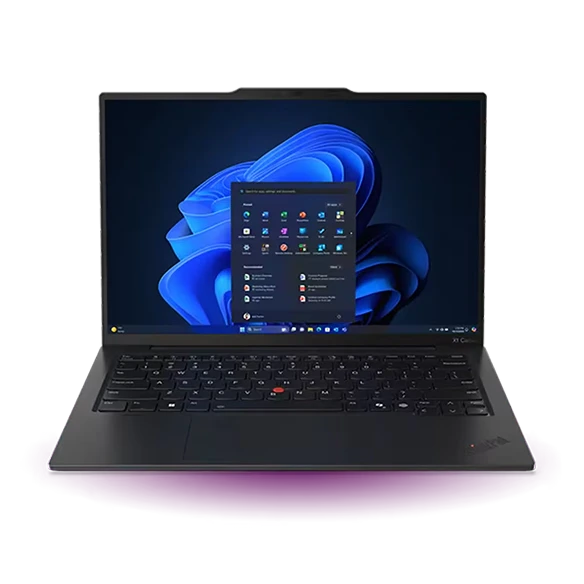 Best for a mixed instrument bench
Specifications at a glance
| Model | Laptop weight | Display | Connections that matter |
|---|---|---|---|
| Framework Laptop 13 (Ryzen AI 300) | 1.30 kg | 13.5-inch, 3:2, matte options | 4 configurable Expansion Card bays |
| Lenovo Yoga Slim 7i Ultra Aura Edition | From 975 g | 14-inch 2.8K OLED | 3 × Thunderbolt 4, USB-C charging |
| Apple MacBook Air 13-inch (M5) | 1.23 kg | 13.6-inch, 2560 × 1664 | 2 × Thunderbolt 4, MagSafe 3 |
| ThinkPad X1 Carbon Gen 13 Aura Edition | From 986 g (Lunar Lake) | 14-inch, panel varies by SKU | 2 × Thunderbolt 4, 2 × USB-A, HDMI |
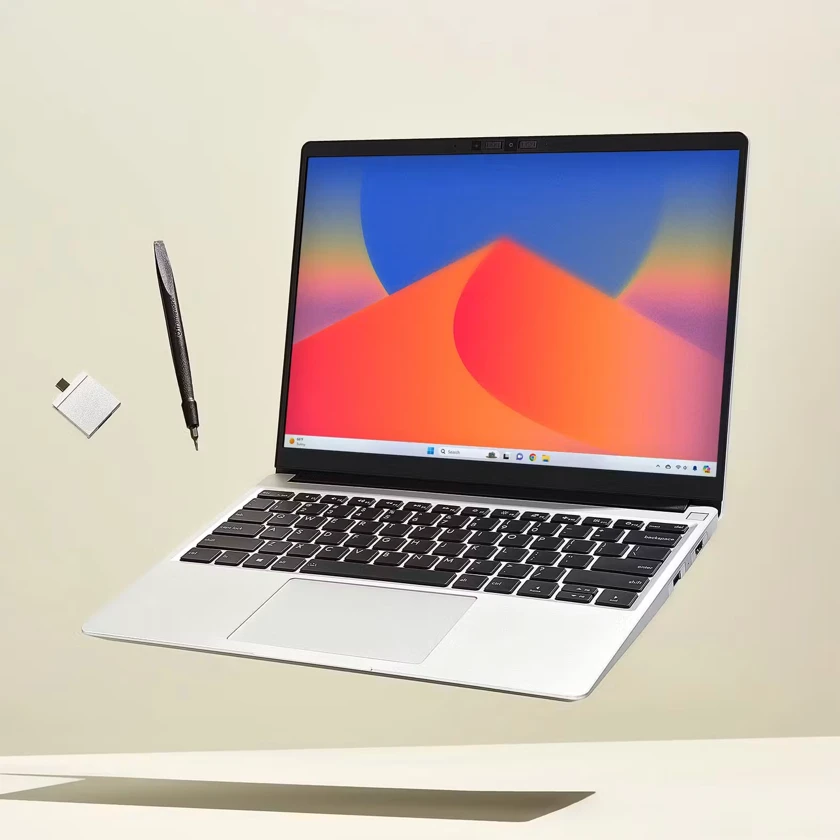
The Framework Laptop 13’s four configurable bays accommodate a mix of USB-C, USB-A, HDMI and other available cards. Its AMD Ryzen AI 300 configuration is listed with DDR5 memory options. A student moving from writing to local data analysis can put memory expansion and replacement parts into a multi-year plan.
The 3:2 display is useful for reading a methods paper beside a notebook because it gives text pages more vertical room than a short widescreen panel. If the instrument uses a card reader or Ethernet, order those cards explicitly. An empty place in a configuration diagram does not connect equipment on its own.
- Why choose it
- Configurable ports and replaceable memory help when later research differs from first-year coursework.
- What to weigh
- A 1.30 kg chassis plus several optional cards may be excessive for someone mainly writing and accessing a cluster.
Lenovo Yoga Slim 7i Ultra Aura Edition
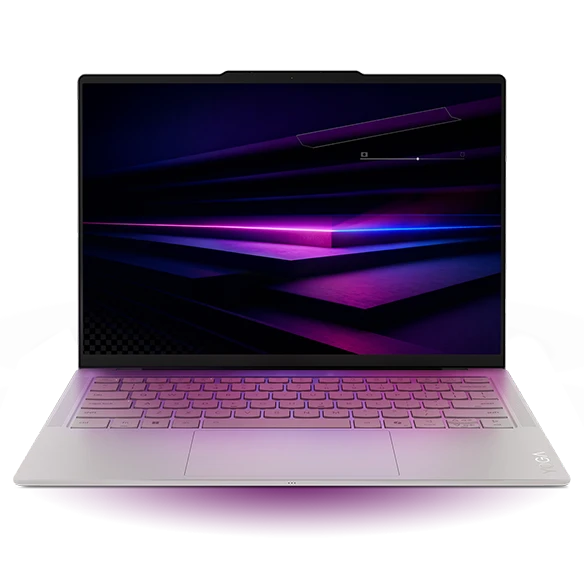
Manufacturer specifications ↗Lenovo’s Yoga puts a 14-inch screen into a starting weight of 975 g. That combination makes sense for a student who carries a laptop between the library, a teaching room and a supervisor’s office. Choose memory at purchase because the 14IPH11 platform uses soldered memory.
For a lab placement, ask what cable the instrument uses. A USB-C adapter can connect a plug, but only a supported driver will let the logging utility control the equipment. Try a short, noncritical capture on the department’s own machine before committing to a laptop and the adapter.
- Why choose it
- An Intel platform and a light chassis suit students who alternate Windows tools with writing.
- What to weigh
- Memory cannot be increased after purchase. The lab might require a separate USB-A adapter.
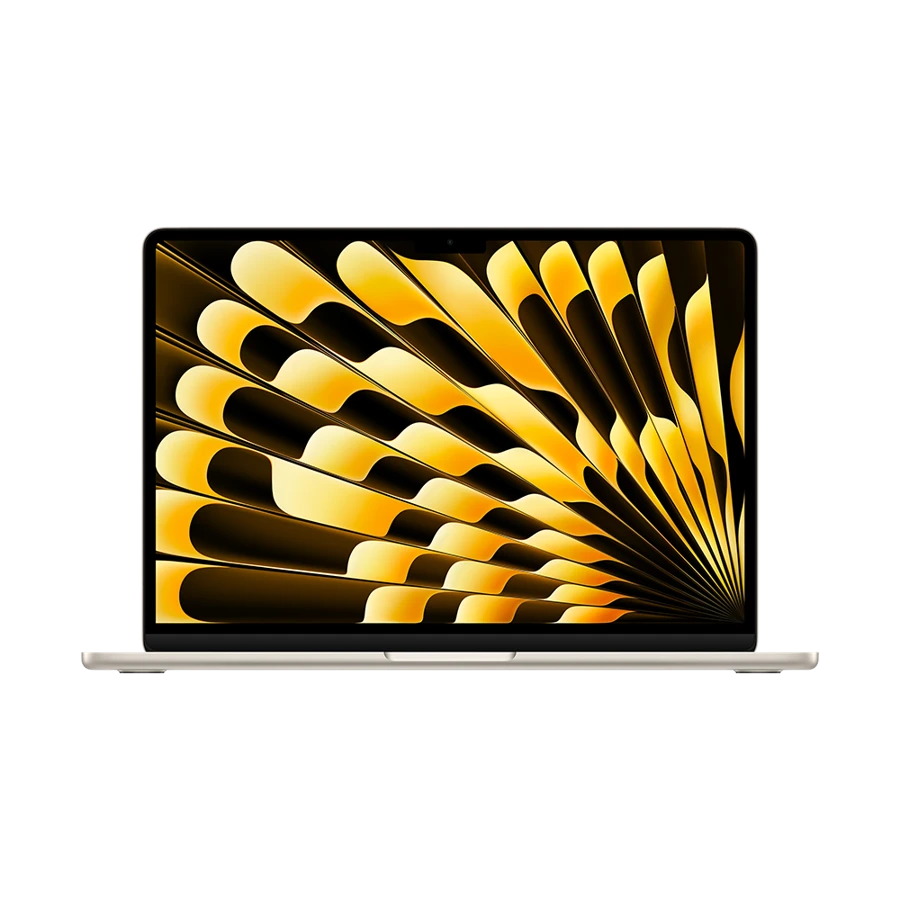
The 13-inch M5 Air starts with 16 GB of unified memory and 512 GB storage in the specification used here. It is a sensible terminal for reading, citation management and connecting to research computers. A larger memory option is worth considering when you will run substantial local workloads alongside those activities.
Ask a lab mate for a small reproducible project, not just the name of its programming language. Open the department’s environment, install its dependencies and generate the intended chart. A package with a compiled extension or an instrument bridge can affect the choice even when the surrounding language is available on macOS.
- Why choose it
- Two Thunderbolt ports and separate charging support a display and an external data drive.
- What to weigh
- Check specialised packages, course utilities and peripherals on Apple silicon before buying.
ThinkPad X1 Carbon Gen 13 Aura Edition
Manufacturer specifications ↗Researchers sometimes inherit a perfectly useful machine that outputs data over a full-size USB connection. The X1 Carbon’s two USB-A ports allow a reader or instrument interface to coexist with a hardware licence key. HDMI is useful when presenting results in a seminar room or teaching lab.
Separate permission to connect from technical compatibility. Ask the principal investigator or technician whether personal laptops may join the instrument network. If the equipment must stay attached to a managed workstation, the personal laptop’s ability to run the driver has far less weight in the purchase.
- Why choose it
- Two full-size USB ports, HDMI and Intel Windows fit mixed teaching and bench work.
- What to weigh
- The institution may still mandate its own computer for data capture.
Turn one assignment into a purchasing test
Take a reduced copy of a real project with permission. Record the largest dataset size, the maximum memory use during processing and the time required to generate a figure. A 2 GB file does not imply a 2 GB memory footprint: parsing text, allocating derived columns or holding several versions can need considerably more space. Use observed peak demand as the starting point for a purchase.
For example, a group that routinely uploads a small input to a cluster, closes its connection and downloads the result has very different needs from one that keeps several full datasets in a local session. Check whether the remote machine is available off campus and who provides help when authentication stops working in the middle of a deadline.
| Actual task | Pilot evidence | Buying consequence |
|---|---|---|
| Acquire a short sample from an instrument | Working driver, cable and file export | Select a supported platform and port |
| Reproduce a figure from a past assignment | Successful dependencies and peak memory | Set a realistic RAM target |
| Reconnect to a job after leaving campus | VPN, login and data access still work | Decide how much compute must travel |
How we chose
We compared machines as potential research companions across a degree. The order reflects memory flexibility, peripheral support and the availability of a documented platform. A department-approved configuration takes precedence when course software or access policies require one.
Editorial standards ↗Frequently asked questions
Should research students choose 16 GB or 32 GB of memory?
For writing and remote sessions, begin with 16 GB and the requirements published by your department. If you run large analyses locally, use the measured peak of a representative job and leave room for your other applications. Choose the larger configuration before purchase when memory is soldered.
Can a lightweight laptop replace a GPU workstation?
It can be the front end for a GPU server if the department provides access and supports your workflow. If coursework requires a local discrete GPU or a particular compute platform, check those requirements first. These thin machines were selected for mobility.
Sources & further reading
- Framework Laptop 13 (Ryzen AI 300) — official specifications ↗
- Lenovo Yoga Slim 7i Ultra Aura Edition — official specifications ↗
- Apple MacBook Air 13-inch (M5) — official specifications ↗
- ThinkPad X1 Carbon Gen 13 Aura Edition — official specifications ↗
- Lenovo support introduction to the Yoga Slim 7i Ultra Aura Edition ↗
- Microsoft guidance on Windows on Arm apps, peripherals and drivers ↗