Best Lightweight Laptops for Business Travel and Remote Work on a Managed Network
A laptop for home-and-road work must reach the company’s tools from a desk you do not control. The ThinkPad X1 Carbon Gen 13 is our first choice for an Intel Windows organisation with mixed peripherals. The M5 MacBook Air is a stronger fit for an Apple-managed team, while the Zenbook A14 can travel lighter when every critical driver supports Windows on Arm.
A consultant who spends three days at home and two at customer sites may never need the fastest processor. The costly failure is discovering, after a rebuild in another city, that the security token works on the old machine but has no approved driver for the replacement. Include a spare laptop and an off-site login in the comparison.
Our shortlist
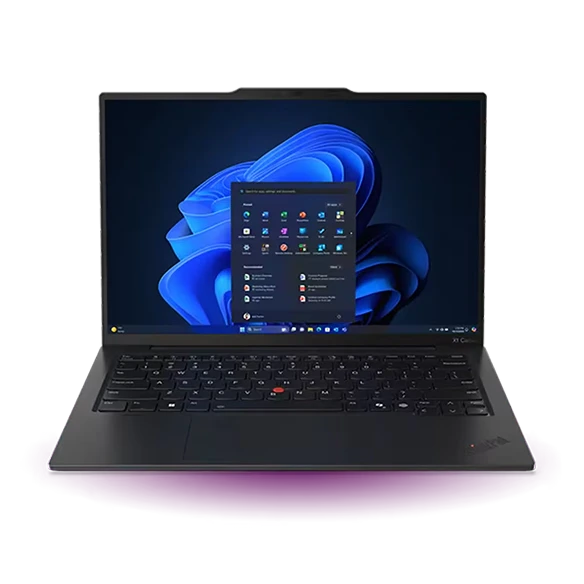 Best for a managed Intel Windows fleet
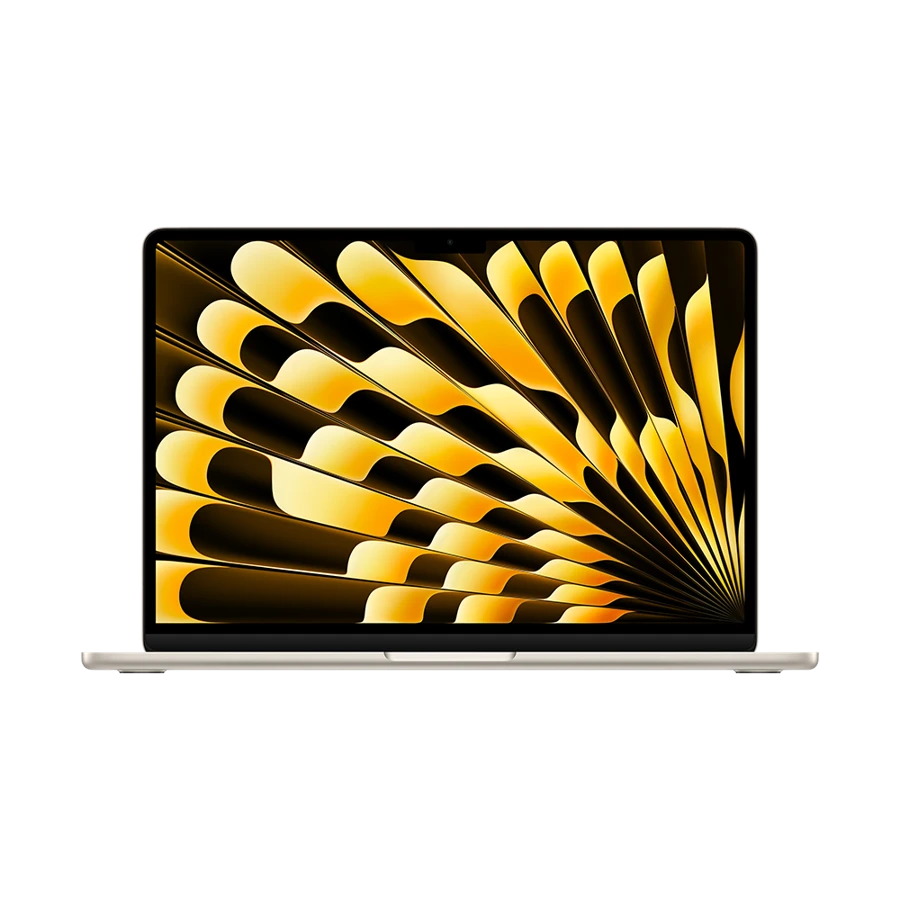 Best for a Mac-managed company
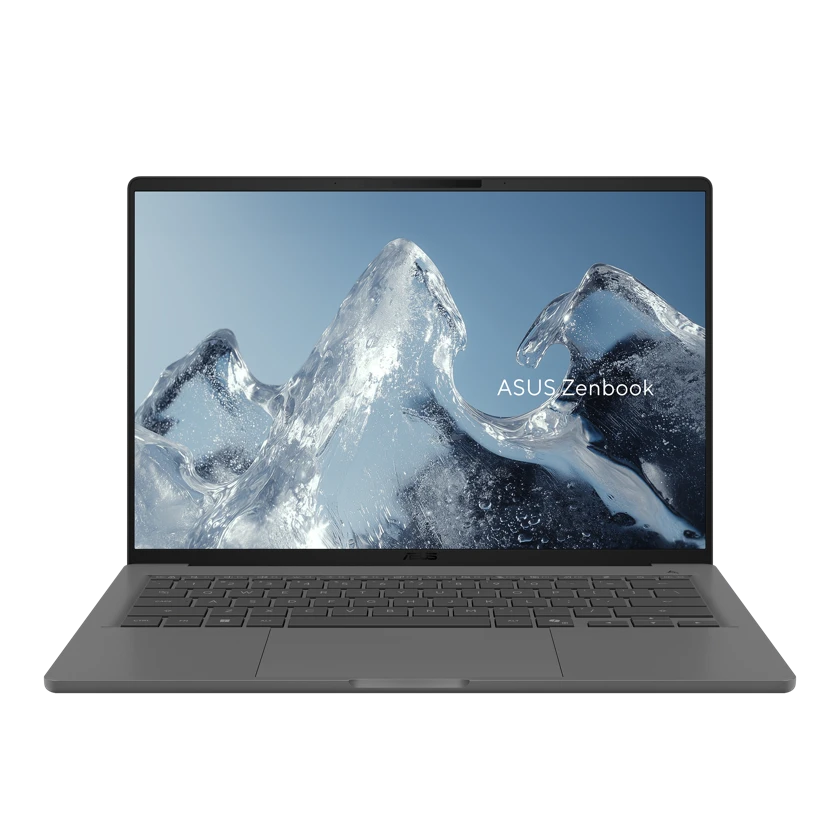 Best for an approved Arm deployment
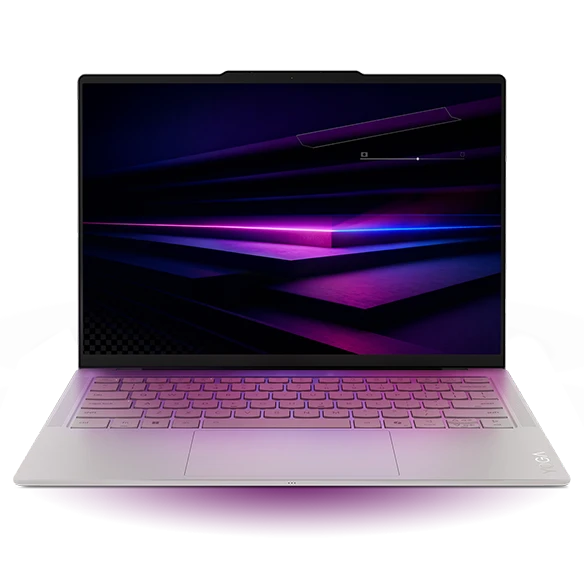 Best for a USB-C policy
Specifications at a glance
| Model | Laptop weight | Display | Connections that matter |
|---|---|---|---|
| ThinkPad X1 Carbon Gen 13 Aura Edition | From 986 g (Lunar Lake) | 14-inch, panel varies by SKU | 2 × Thunderbolt 4, 2 × USB-A, HDMI |
| Apple MacBook Air 13-inch (M5) | 1.23 kg | 13.6-inch, 2560 × 1664 | 2 × Thunderbolt 4, MagSafe 3 |
| ASUS Zenbook A14 (UX3407NA) | 990 g | 14-inch 1920 × 1200 OLED | 2 × USB4, USB-A, HDMI |
| Lenovo Yoga Slim 7i Ultra Aura Edition | From 975 g | 14-inch 2.8K OLED | 3 × Thunderbolt 4, USB-C charging |
ThinkPad X1 Carbon Gen 13 Aura Edition
Manufacturer specifications ↗The ThinkPad pairs a light Lunar Lake starting configuration with two USB-A ports, HDMI and two Thunderbolt 4 ports. That combination makes it easier to keep a smartcard reader, monitor and wired accessory connected. An IT department can validate one model against the actual equipment issued to employees.
Before buying, make sure the order has the licence and operating-system edition required by the deployment process. Use Microsoft’s Autopilot requirements and the department’s own enrollment rules. A consumer listing with a familiar brand and processor does not guarantee it will receive the same management policy as a commercial order.
- Why choose it
- Multiple port types reduce dependence on adapters widely dispersed staff must support.
- What to weigh
- The exact machine type, edition and service entitlement belong in the purchasing record.
The M5 Air fits a team that already distributes its applications through device management. At a home desk it can drive two external displays within Apple’s published limits while keeping the internal screen active. On the road, the same machine can recharge with MagSafe and keep both Thunderbolt ports free.
Try the company’s recovery procedure with a newly issued machine. Check that the management profile, VPN client and identity tools arrive without relying on access available only inside headquarters. Document how to reach service if the employee cannot sign in to the usual helpdesk portal.
- Why choose it
- The same 1.23 kg Mac supports a multi-display home desk and a compact travel setup.
- What to weigh
- A Windows-only administration tool or client-specific USB driver can change the platform choice.
The 990 g Zenbook A14 is an appealing choice for a team whose browser, productivity suite and security stack have already been validated on Snapdragon hardware. It brings native HDMI and USB-A to client meetings. The UX3407NA configuration uses the X2 Elite platform, so capture that model number on any internal approval note.
Windows can handle many ordinary applications through native software or emulation, but Microsoft explains that drivers must support Arm. Get an explicit statement for each managed endpoint agent. A personal trial on an unrestricted network cannot show whether an employer’s monitoring and filtering requirements will work.
- Why choose it
- HDMI and a full-size USB connection travel with the computer.
- What to weigh
- Confirm native driver and security-agent support before expanding a pilot.
A desk with a USB-C display and Ethernet in its dock is a good setting for the Yoga Slim 7i Ultra. Its three Thunderbolt ports allow a separate device or charger even with the desk dock connected. The model starts at 975 g, useful for people who carry a company laptop alongside another device.
Pick a known dock and repeat a complete reconnect after sleep. Confirm the wired network identity, display layout and headset default. IT can put the working dock model, power supply and cable on one parts list. This makes the home installation easier to support by phone when a user is away from the office.
- Why choose it
- A consistent connector standard helps the service desk support a known home-office kit.
- What to weigh
- Count the full hub kit needed at sites that only provide HDMI or wired USB-A peripherals.
A recovery drill for a remote team
Build a small acceptance test around one employee, one spare machine and an Internet connection outside the office. The aim is to discover dependencies that disappear during an ordinary desk demonstration. Keep the original machine available as a control and use an authorised test account.
Assign procurement a concrete decision for each failure. If enrollment fails before the management profile arrives, ask the reseller and IT team to confirm assignment. If the app works but the peripheral fails, ask for the driver’s supported architecture. If the machine works in headquarters only, investigate the support or authentication path before changing laptop brands.
| Trial | Pass condition | Action if it fails |
|---|---|---|
| Unbox away from the office | Approved profile and apps arrive | Check edition, registration and remote enrollment |
| Sign in with normal travel equipment | VPN, token and work files all function | Verify the exact agent and device driver |
| Rejoin a call after a desk change | Video, microphone and network recover | Standardise the working dock, cable and headset |
How we chose
Best lightweight laptops for business travel and remote work were ranked here by what a managed team can deploy and recover. Published hardware and deployment requirements establish the candidates. Employer policies, reseller registration and validated drivers decide which should reach a purchase order.
Editorial standards ↗Frequently asked questions
Does a Windows logo mean all corporate devices work?
An operating-system name does not settle driver support, deployment eligibility or certification. In particular, check Windows on Arm support for any required security agent, specialist printer and authentication token.
What should a remote employee receive with the laptop?
A tested power supply, the approved display or network adapter, instructions for replacement and a way to contact support outside the corporate sign-in system. Match the list to the employee’s approved work locations.
Sources & further reading
- ThinkPad X1 Carbon Gen 13 Aura Edition — official specifications ↗
- Apple MacBook Air 13-inch (M5) — official specifications ↗
- ASUS Zenbook A14 (UX3407NA) — official specifications ↗
- Lenovo Yoga Slim 7i Ultra Aura Edition — official specifications ↗
- Microsoft Windows Autopilot requirements ↗
- Apple deployment guidance for managed Macs ↗
- Microsoft guidance on Windows on Arm apps, peripherals and drivers ↗
- Lenovo support introduction to the Yoga Slim 7i Ultra Aura Edition ↗