Best Lightweight Laptops for Business Travel and Remote Work With Two Monitors
The 13-inch M5 MacBook Air is our pick for a Mac user combining frequent travel with two external monitors. Apple documents the display combinations and a charging connection that leaves both Thunderbolt ports available. The Yoga Slim 7i Ultra suits an Intel Windows desk built around Thunderbolt, while the Framework Laptop 13 makes sense for someone who wants to choose the display connections.
A monitor labelled USB-C may supply power, accept video, expose USB devices or do some combination of those jobs. The name of the connector alone will not tell you enough to order a laptop and dock. Write down each screen’s resolution, refresh rate and inputs. Add the charger, webcam and storage drive before deciding how many ports are really free.
Our shortlist
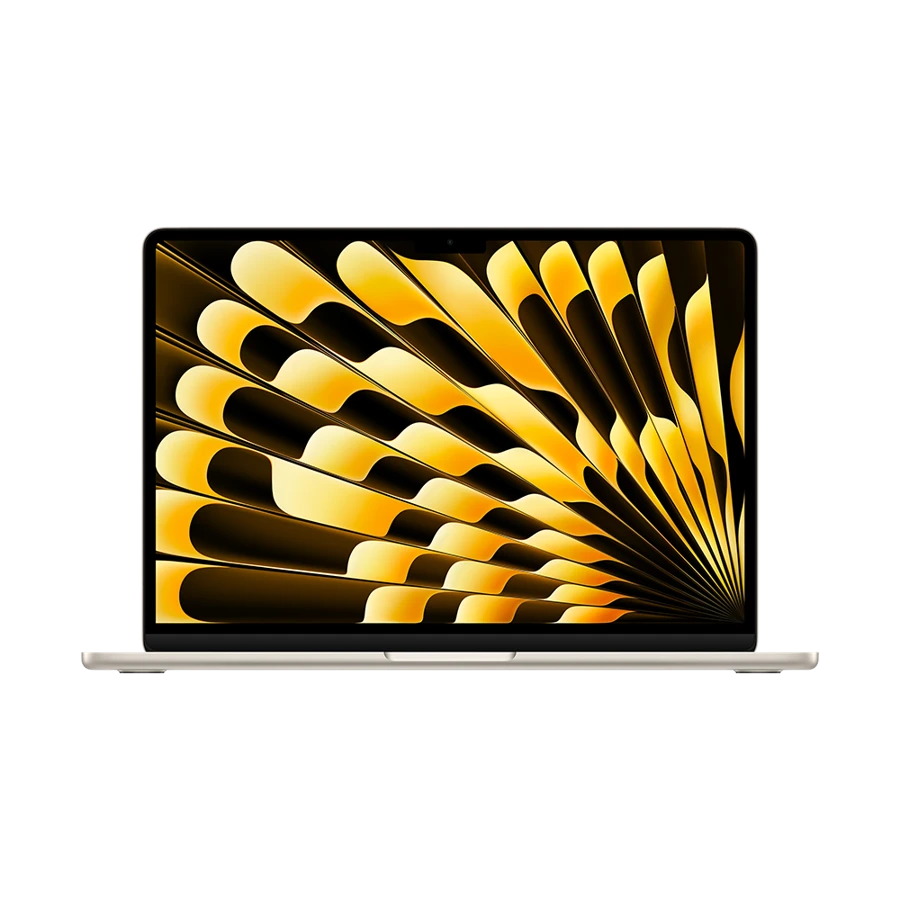 Best documented two-screen Mac setup
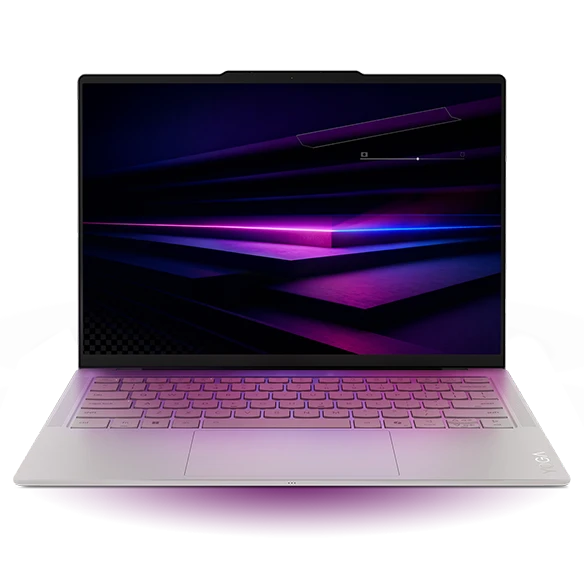 Best for a compact Thunderbolt Windows desk
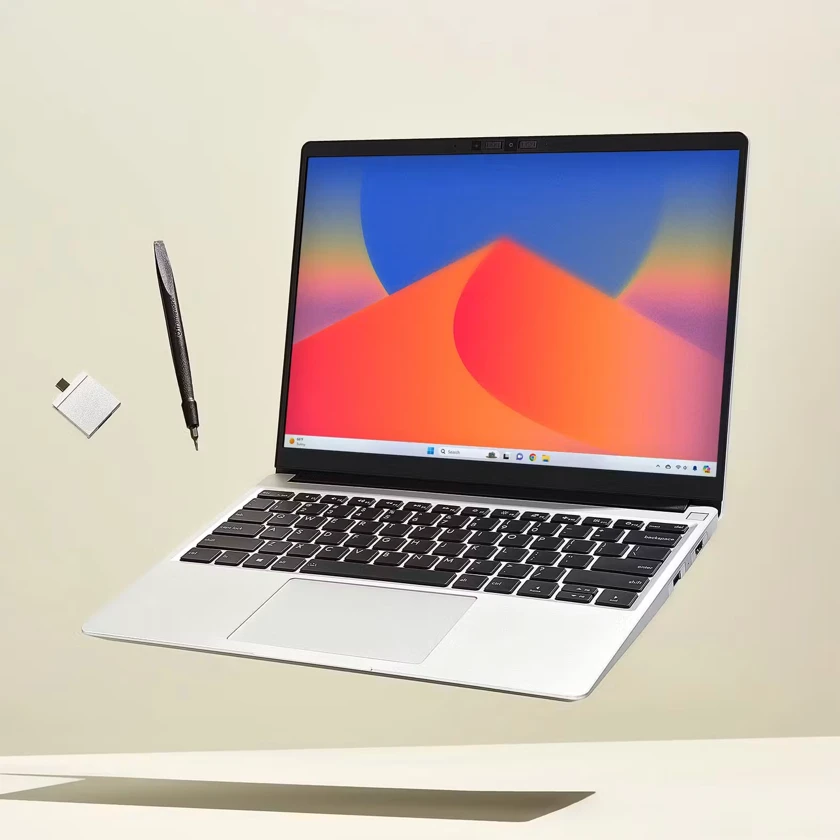 Best for interchangeable display connectors
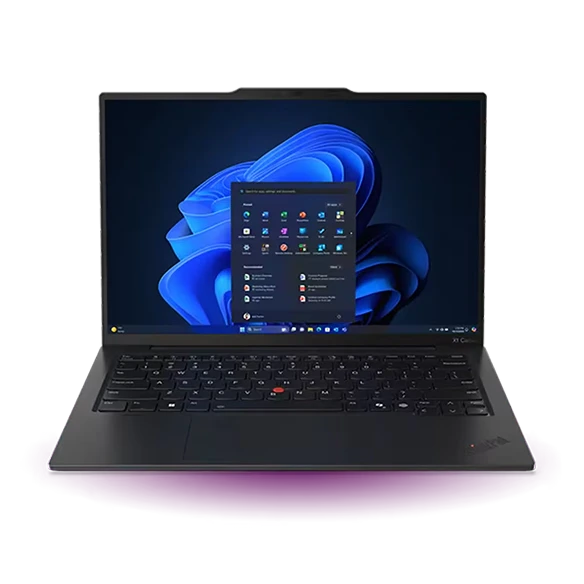 Best for a room with an HDMI lead
Specifications at a glance
| Model | Laptop weight | Display | Connections that matter |
|---|---|---|---|
| Apple MacBook Air 13-inch (M5) | 1.23 kg | 13.6-inch, 2560 × 1664 | 2 × Thunderbolt 4, MagSafe 3 |
| Lenovo Yoga Slim 7i Ultra Aura Edition | From 975 g | 14-inch 2.8K OLED | 3 × Thunderbolt 4, USB-C charging |
| Framework Laptop 13 (Ryzen AI 300) | 1.30 kg | 13.5-inch, 3:2, matte options | 4 configurable Expansion Card bays |
| ThinkPad X1 Carbon Gen 13 Aura Edition | From 986 g (Lunar Lake) | 14-inch, panel varies by SKU | 2 × Thunderbolt 4, 2 × USB-A, HDMI |
Apple specifies up to two external displays on this M5 Air, including two up to 6K at 60 Hz under its stated conditions, alongside the built-in panel. That provides a clear starting point for a home office with two external screens. MagSafe can be used separately if the dock supplies too little power for the intended setup.
Take the desired resolutions and refresh rates to the dock manufacturer. Check the exact model with the M5 Air and make sure two independent extended desktops are supported. A dock capable of lighting two physical panels may still mirror the same image or provide a different combination on another operating system.
- Why choose it
- Explicit Apple display limits make it possible to check a two-screen build before purchase.
- What to weigh
- The dock and cables must support the same display arrangement as the laptop.
Lenovo Yoga Slim 7i Ultra Aura Edition
Manufacturer specifications ↗The Yoga Slim 7i Ultra offers three Thunderbolt 4 ports and DisplayPort output through USB-C. If a meeting-room monitor remains connected while a drive is in use, the generous number of full-featured connectors gives you choices about cable placement. Its 14-inch panel is useful when the external screens stay at home.
Check the proposed dock’s Windows support table and labelled host port. Plug the same cable into a different USB-C socket on a monitor and it can perform an entirely different task. Ask the supplier to identify the cable and dock power supply as part of the quoted setup.
- Why choose it
- Three documented Thunderbolt ports give a travelling Windows user connection flexibility.
- What to weigh
- Both HDMI-only screens need a route from USB-C through adapters or a compatible dock.
Framework Laptop 13 (Ryzen AI 300)
Manufacturer specifications ↗A Framework Laptop 13 with the AMD Ryzen AI 300 platform has four selectable bays, so a user can pack HDMI one week and choose a DisplayPort or Ethernet card for the next office. Framework identifies the rear two slots as the USB4 positions on this generation. The planned dock should occupy an appropriate slot.
Map the physical side of each cable as well as the connector. A right-handed mouse user may prefer the chunky HDMI cable and charger to leave the left side. After arriving at a new desk, the card configuration can change without replacing the computer. This approach appeals most to people who will actually use that flexibility.
- Why choose it
- Selectable cards fit existing displays and different office layouts.
- What to weigh
- Order the cards separately where required and check the capability of each bay.
ThinkPad X1 Carbon Gen 13 Aura Edition
Manufacturer specifications ↗The X1 Carbon Gen 13 can take a first screen over native HDMI and use Thunderbolt for a second. Lenovo lists different external-display limits by processor family: Lunar Lake supports the internal display and two external monitors, while Arrow Lake configurations can support three externals. Verify the quoted system and the requested resolution.
Use the direct HDMI path as a diagnostic aid. If a screen goes dark when connected through a dock, try that display with the laptop’s native HDMI output at a supported setting. A working direct connection narrows down the problem to the dock, cable or mode combination.
- Why choose it
- Native HDMI is useful both for presenting and for isolating a dock issue.
- What to weigh
- Display counts change with the processor variant and do not imply every combination of refresh rates.
Spec out the whole desk in four lines
Imagine a home office with a 4K monitor used at 60 Hz, a second 1440p monitor at 60 Hz, a USB webcam and a portable SSD. The office has one wall socket near the dock. The right purchase is a chain of compatible parts. A laptop supporting two screens does not by itself establish the dock’s available display channels, power delivery or spare data ports.
During a return period, test a cold start with the dock connected, a wake after lunch and a reconnect after returning from a trip. Check that both panels remain independently addressable and that audio has not silently moved to a monitor. Keep the successful cable and port map with the desk so another person can reproduce the setup.
| Desk requirement | What to verify | Fallback to try |
|---|---|---|
| 4K/60 plus 1440p/60 | Host and dock support both as extended displays | Connect one screen directly |
| Charging, webcam and SSD | Delivered host wattage and free ports | Use the laptop charger separately |
| Hotel or client screen | Input type and a supported adapter | Carry a known-good HDMI cable or adapter |
How we chose
Best lightweight laptops for business travel and remote work were compared against one explicit two-screen desk and a simpler client-room setup. The shortlist uses manufacturers’ display and port specifications. Each buyer should confirm the dock’s operating-system matrix and intended display combination.
Editorial standards ↗Frequently asked questions
Can one USB-C cable run both screens and charge the laptop?
Yes on supported host, dock and display combinations. Ask for the exact two resolutions and refresh rates with the intended operating system, then check how much power the dock sends to its host.
Why might a second monitor light up but show the same picture?
Check that the operating system is set to extend the desktop. Next verify that the dock supports independent display paths on that operating system and both cables are connected to supported outputs. Try one display connected directly to isolate the fault.
Sources & further reading
- Apple MacBook Air 13-inch (M5) — official specifications ↗
- Lenovo Yoga Slim 7i Ultra Aura Edition — official specifications ↗
- Framework Laptop 13 (Ryzen AI 300) — official specifications ↗
- ThinkPad X1 Carbon Gen 13 Aura Edition — official specifications ↗
- Lenovo support introduction to the Yoga Slim 7i Ultra Aura Edition ↗